DV Launchpad
In order to activate an Ethereum validator, 32 ETH must be deposited into the official deposit contract. Distributed validators are no different.
The vast majority of users that created validators to date have used the Eth2** Staking Launchpad**, a public good open-source website built by the Ethereum Foundation alongside participants who later went on to found Obol. This tool has been wildly successful in the safe and educational creation of a significant number of validators on the Ethereum mainnet.
To facilitate the generation of distributed validator keys among remote users with high-trust, the Obol Network developed and maintains a website that enables a group of users to come together and create these threshold keys: The DV Launchpad.
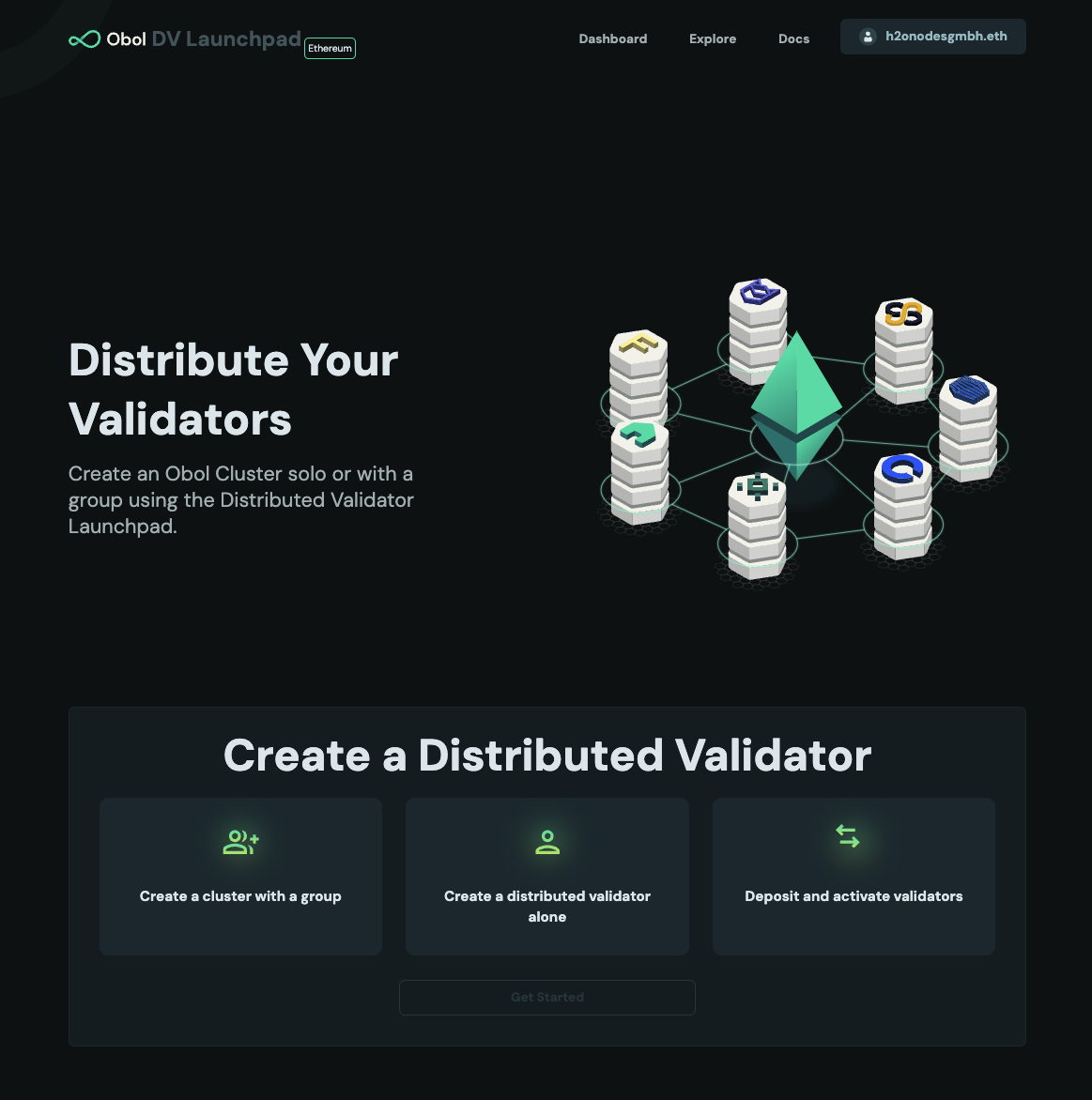
Getting started
For more information on running Charon in a UI-friendly way through the DV Launchpad, take a look at our Quickstart Guides.
DV Launchpad Links
| Ethereum Network | Launchpad |
|---|---|
| Mainnet | https://launchpad.obol.org |
| Gnosis Chain | https://gnosischain.launchpad.obol.org |
| Hoodi | https://hoodi.launchpad.obol.org |
| Sepolia | https://sepolia.launchpad.obol.org |
Operator Dashboard
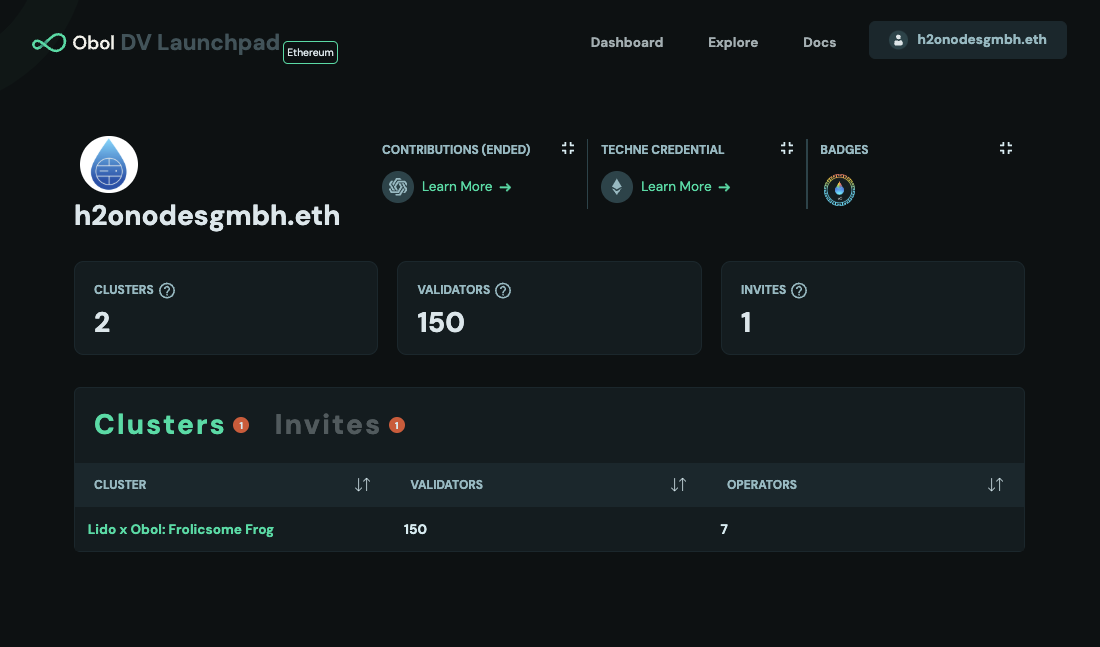
Clicking on "dashboard" on the top-right of the launchpad brings you to the operator view, where you can view information about the DV operator corresponding to the wallet address currently connected to the launchpad. It is also possible to view information about another operator, by substituting another wallet address in the URL, or using the explorer, described below.
View a Cluster
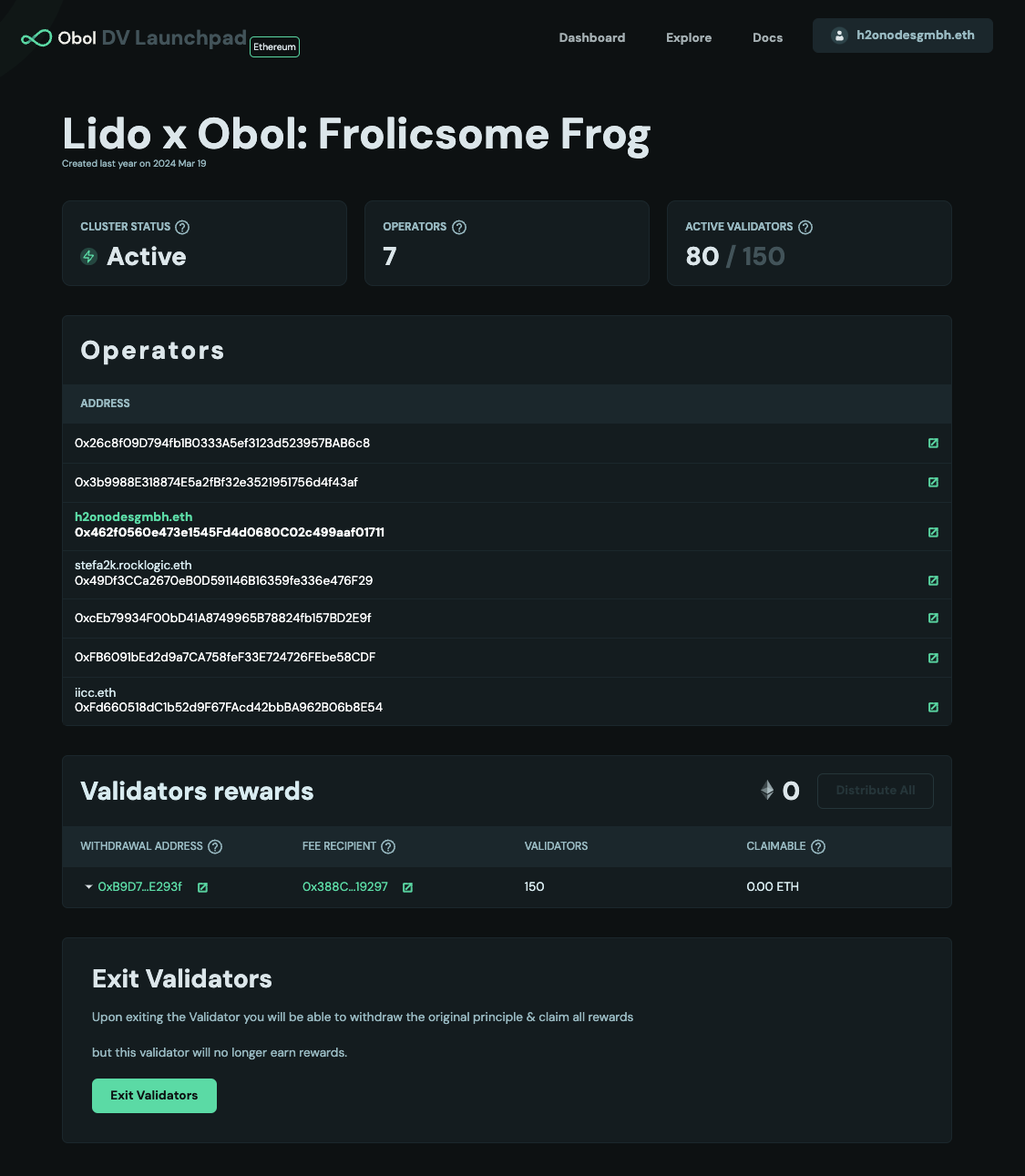
An operator can be part of multiple clusters. Clusters, and cluster invites, are shown on the operator page. Clicking on a cluster takes you to the cluster page. Here you can see the status of the cluster, the operators, and validators associated with the cluster.
[!TIP] If you created a cluster locally, and didn't use the
--publishcommand at the time, you can manually publish it by running this command from the folder with thecluster-lock.jsonin it.
curl -X POST -H "Content-Type: application/json" -d @cluster-lock.json https://api.obol.tech/v1/lock
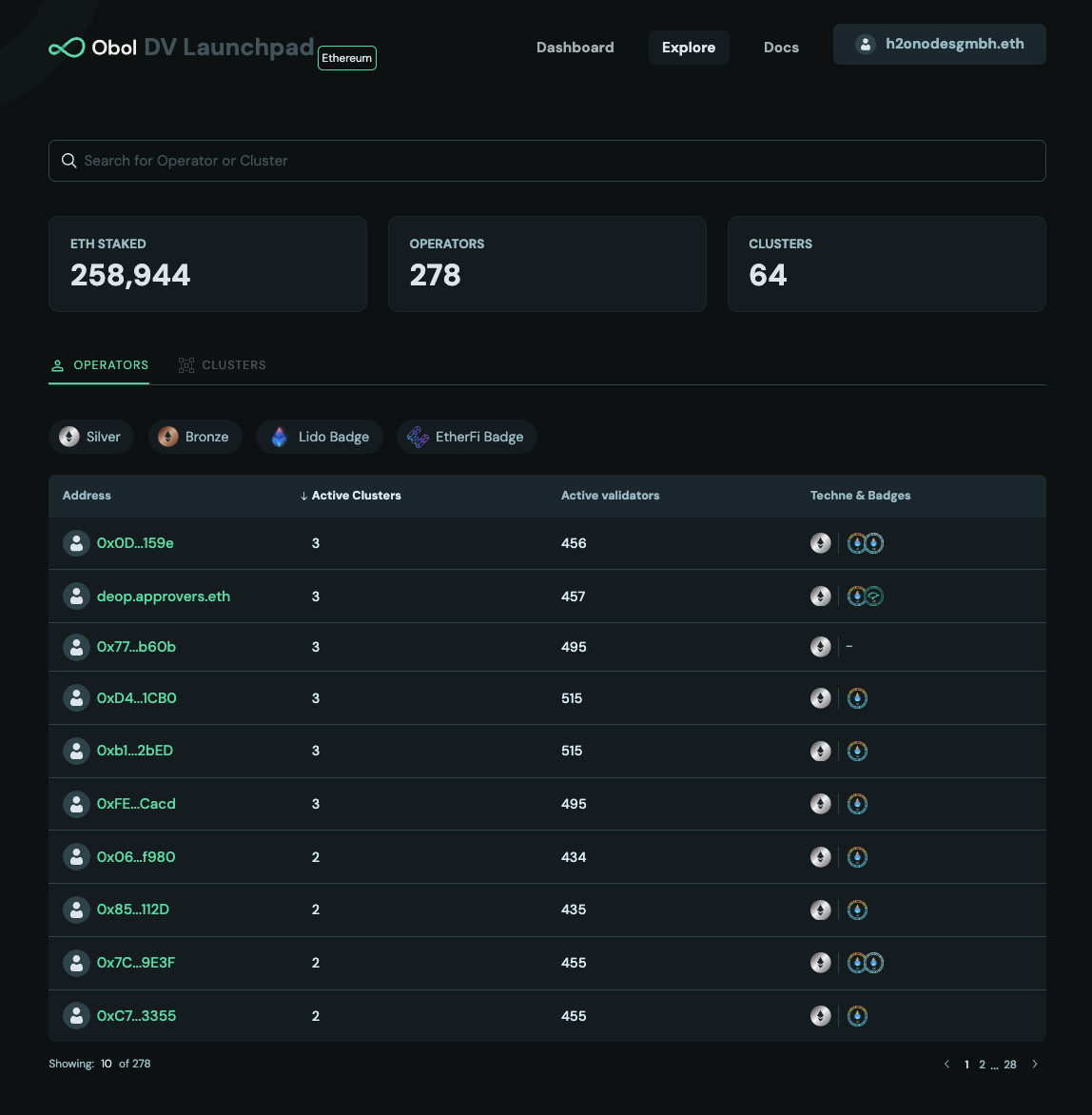
Use the Explorer
Clicking "explore" on the top-right of the launchpad brings you to the explorer view. It shows information about every DV cluster and operator being tracked by Obol. You can search for a cluster or operator by name, or filter based on badge or protocol type.